· Luisa Zeppelin · Case Study · 3 min read
WaveLinks: Connecting the Mission Ocean Ecosystem
A web platform fostering collaboration and knowledge-sharing for ocean restoration

· Luisa Zeppelin · Case Study · 3 min read
A web platform fostering collaboration and knowledge-sharing for ocean restoration
Project: WaveLinks
Role: UI/UX Designer, Frontend Developer
Collaborator: Team at SDU RIO, Denmark
Context: Part of the EU Mission: Restore our Ocean and Waters, supported by Mission Ocean & Waters, BlueActionAA, PREP4BLUE, and BlueMissionBANOS
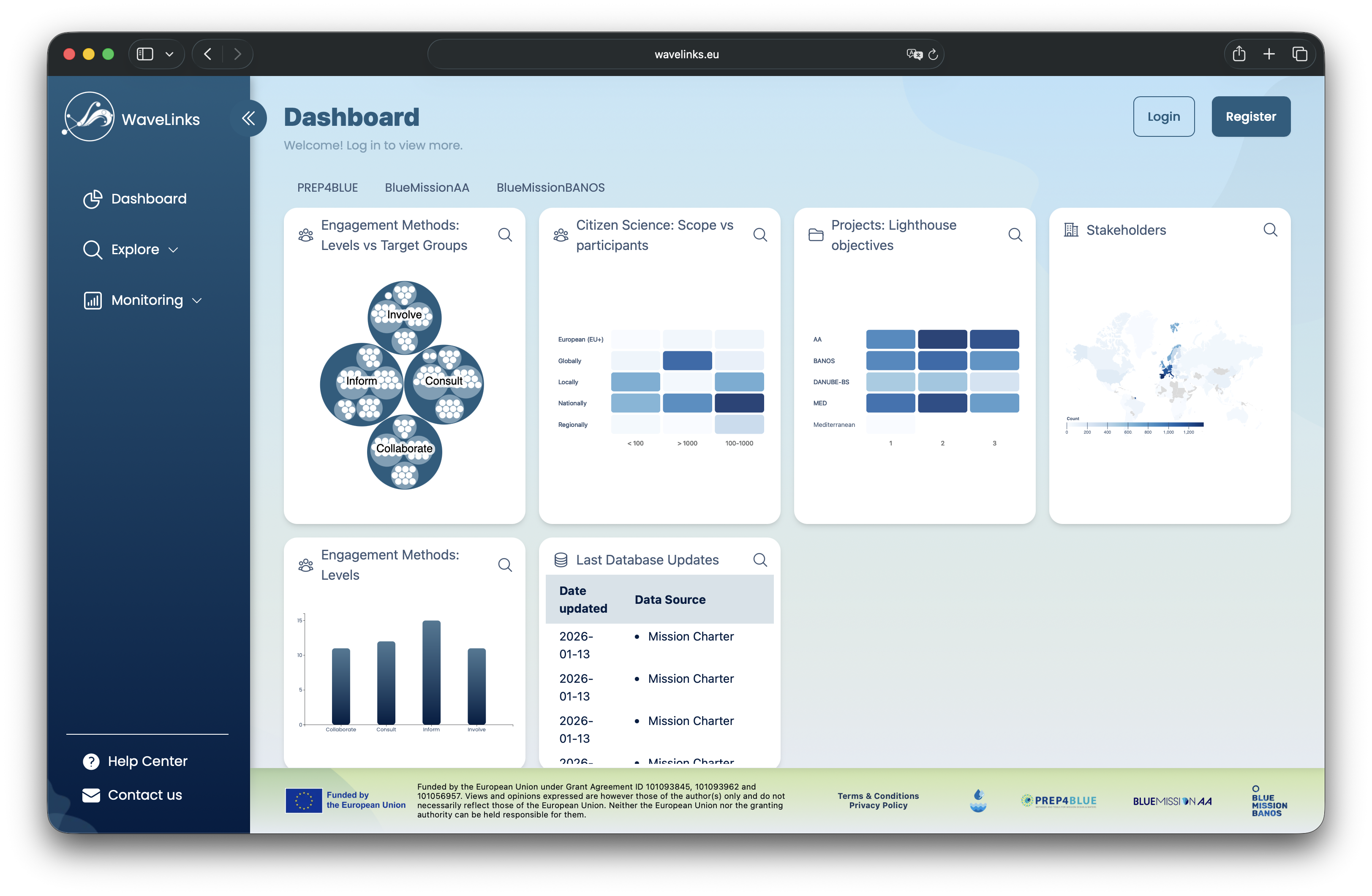
Outcome: A public web platform with a dynamic dashboard, searchable database, and collaborative tools to connect stakeholders in ocean restoration
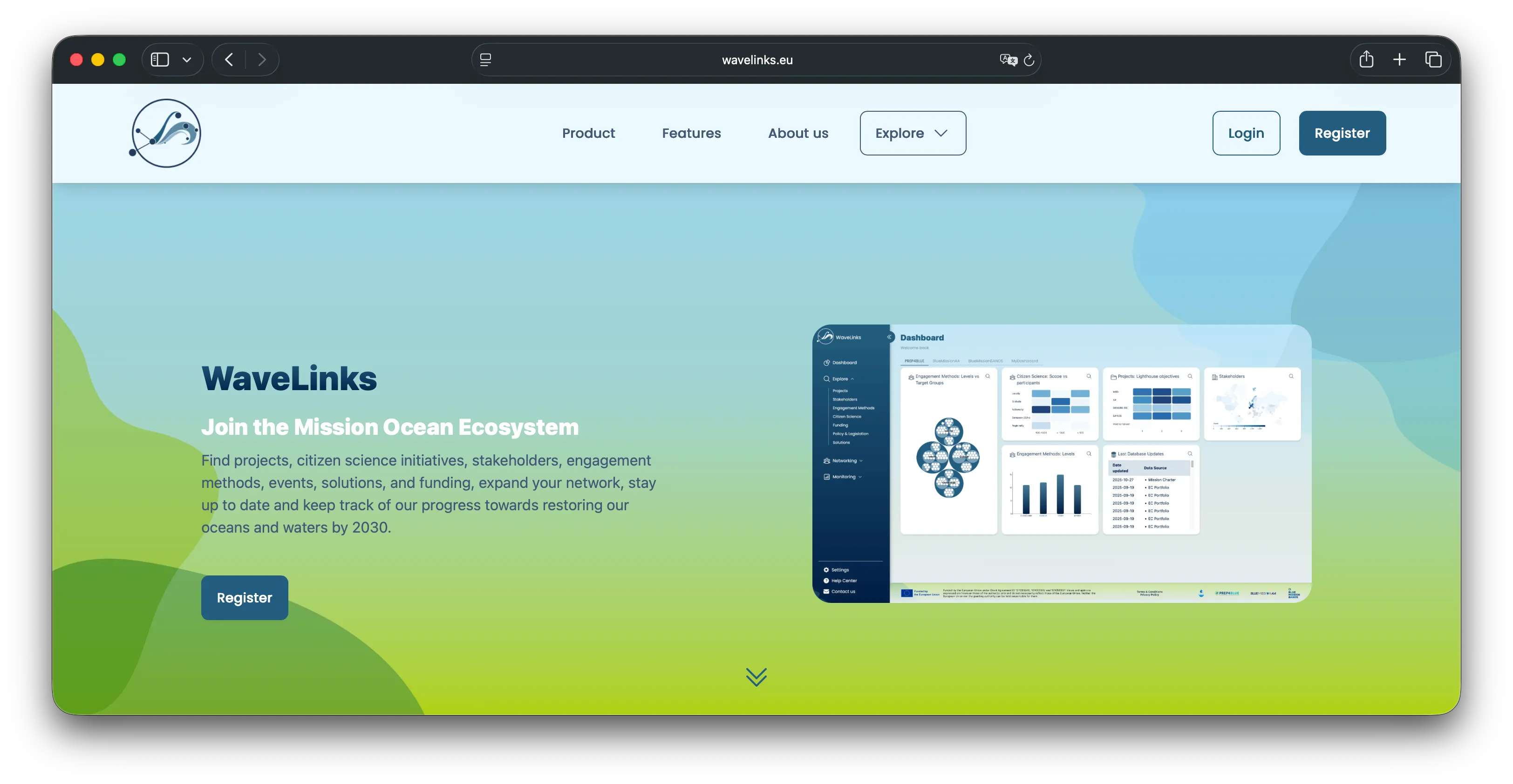 The public landing page of WaveLinks.
The EU Mission: Restore our Ocean and Waters required a centralized platform to connect researchers, policymakers, and industry professionals working on ocean restoration. The goal was to:
While other teams focused on KPI analysis and database nurturing, my role was to design the platform’s UI/UX and implement key frontend features.
As part of the design duo, I co-created an extensive Figma design and prototype for WaveLinks. The focus was on:
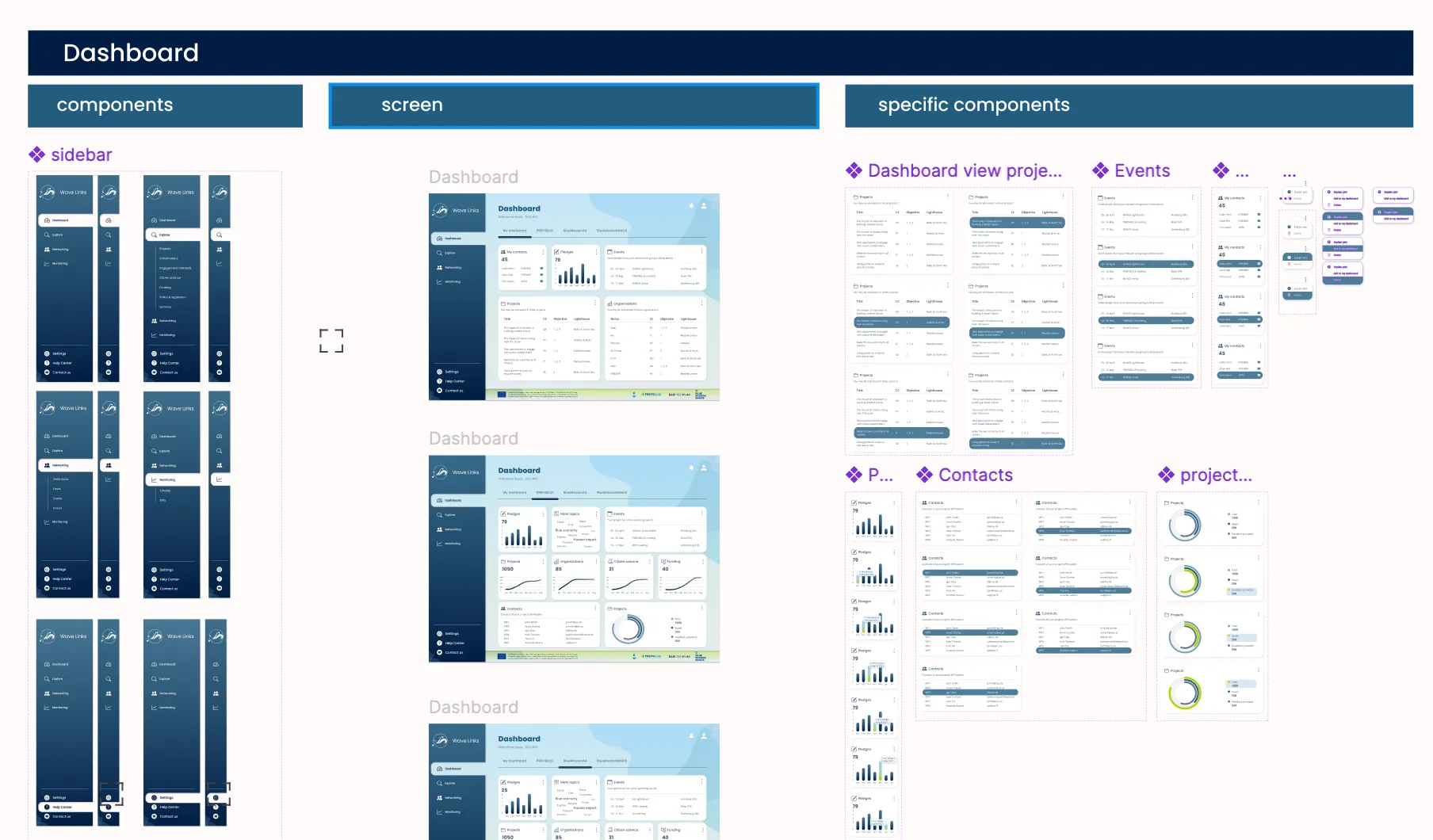 Part of our Figma design and prototype, laying the foundation for WaveLinks’ UI/UX.”
The platform leverages Django (Python) for the backend and Next.js + Tailwind CSS for the frontend.
My contributions included:
Personal profile & bookmarks: Implemented the personal profile feature, allowing users to view and manage bookmarked items. 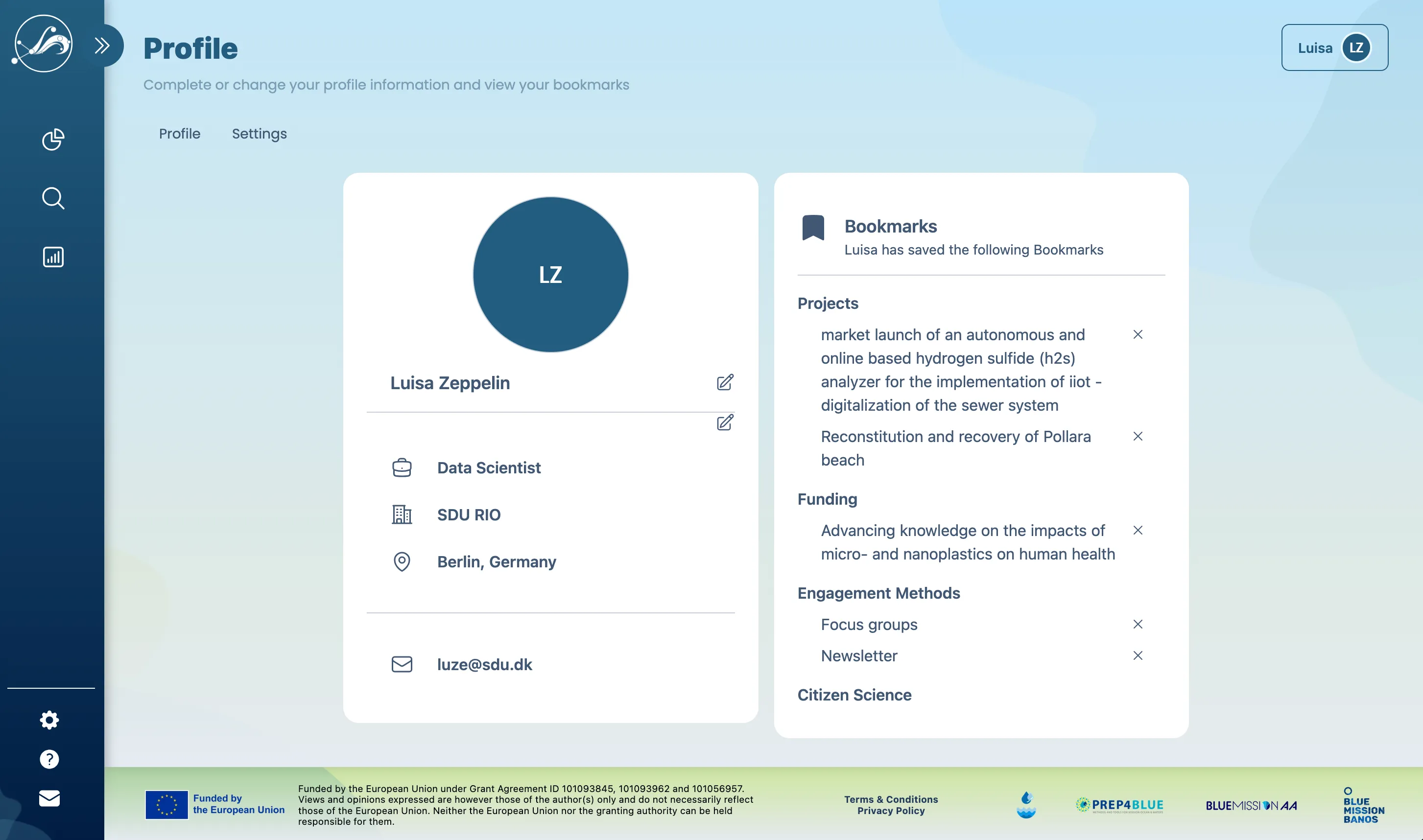
Help Center:
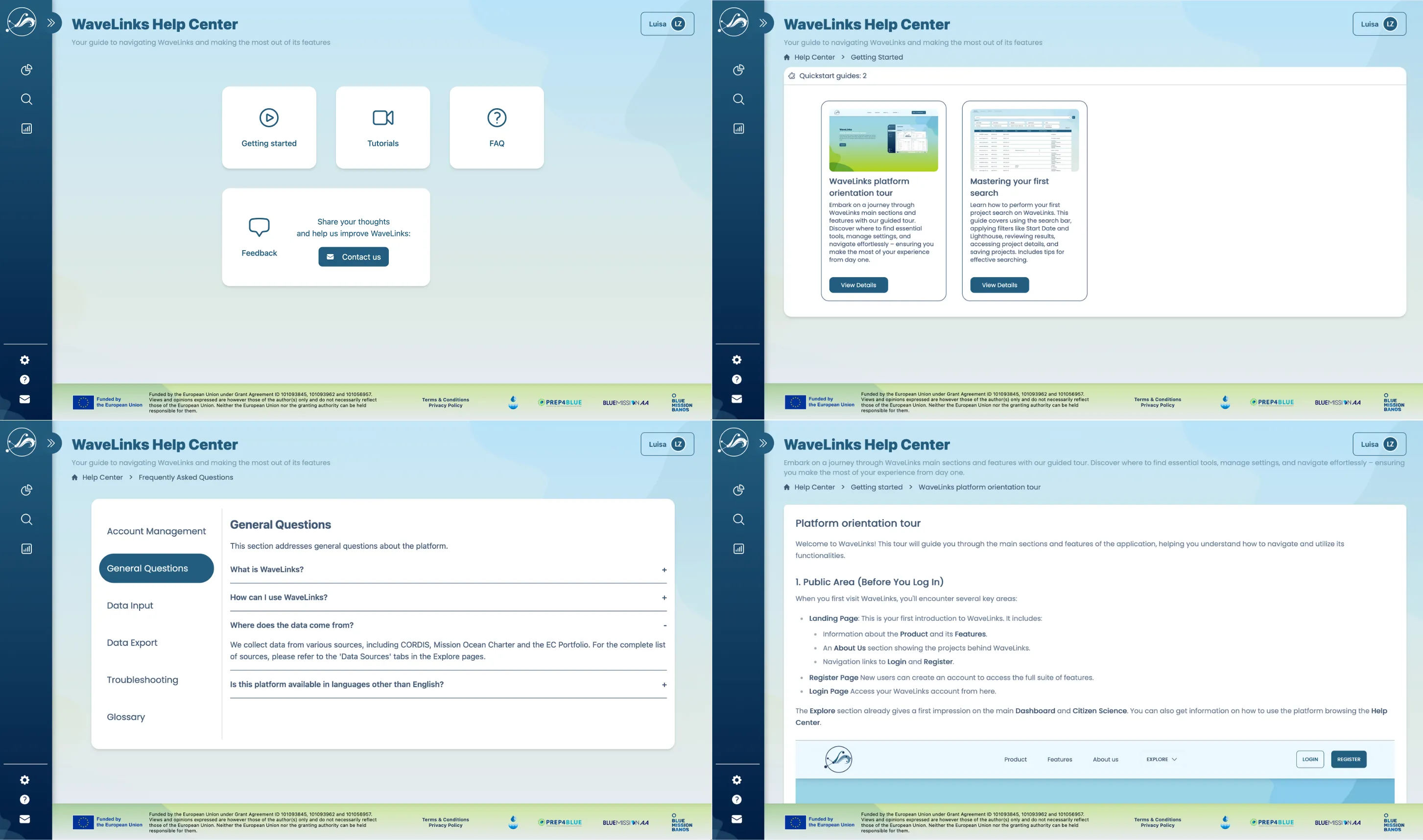
UI/UX enhancements:
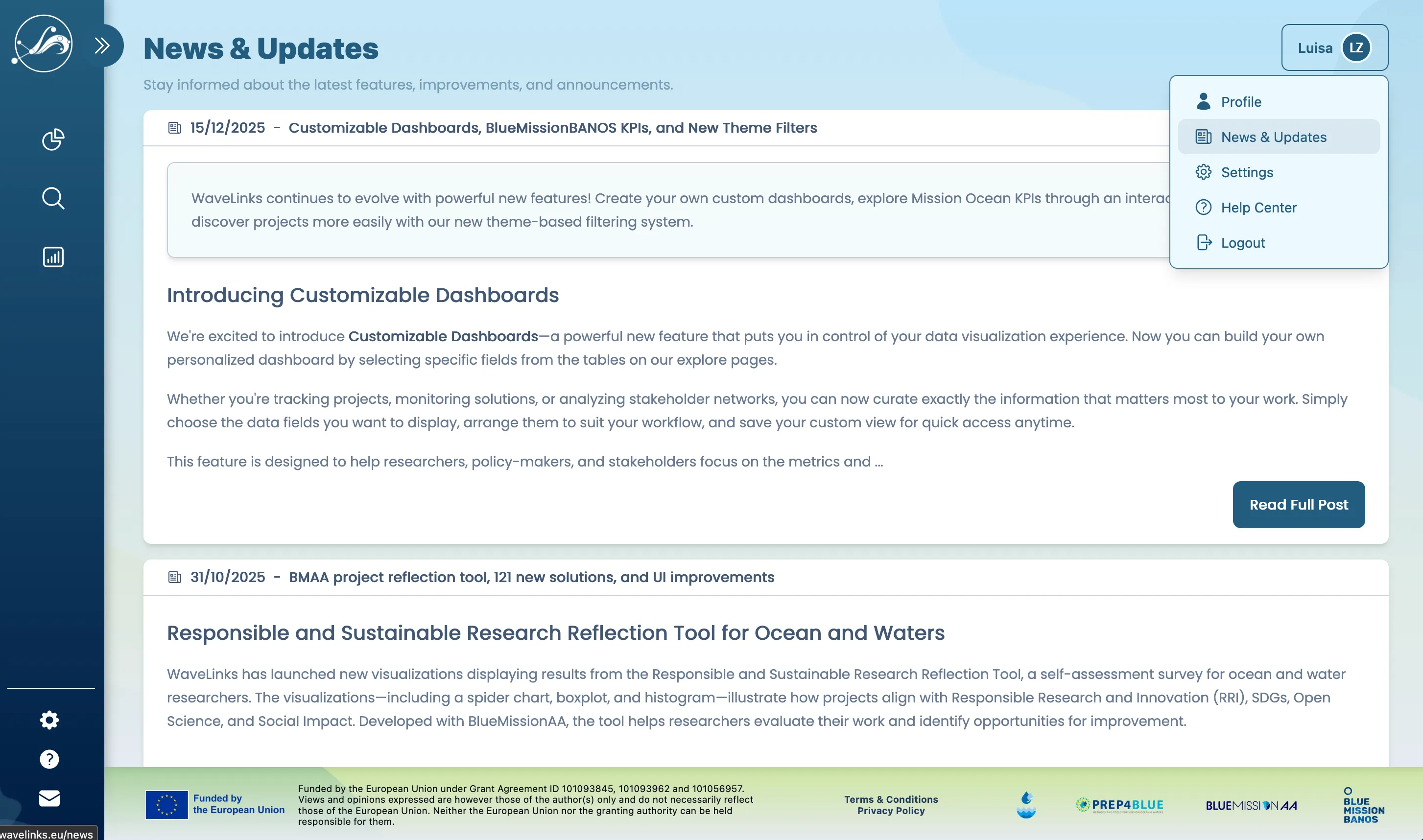
When the team faced staff changes, I stepped in to:
WaveLinks was successfully launched as a fully functional platform featuring:
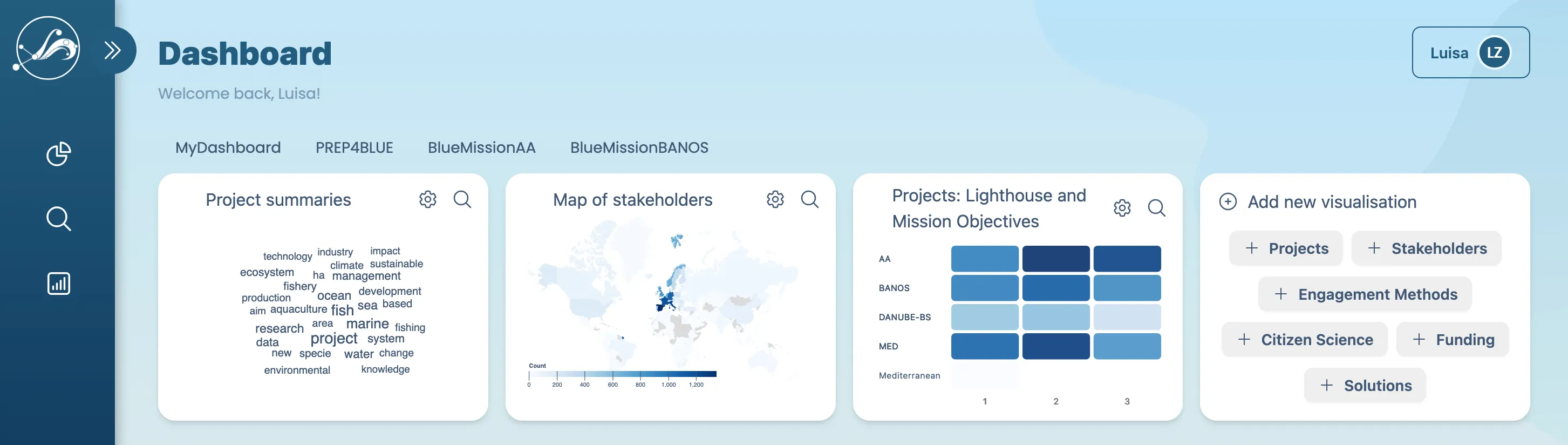
The platform continues to connect stakeholders and drive progress toward restoring our oceans by 2030, though active development has paused with the conclusion of its EU funding.
Looking ahead: Should new funding emerge, we’d love to expand WaveLinks further.
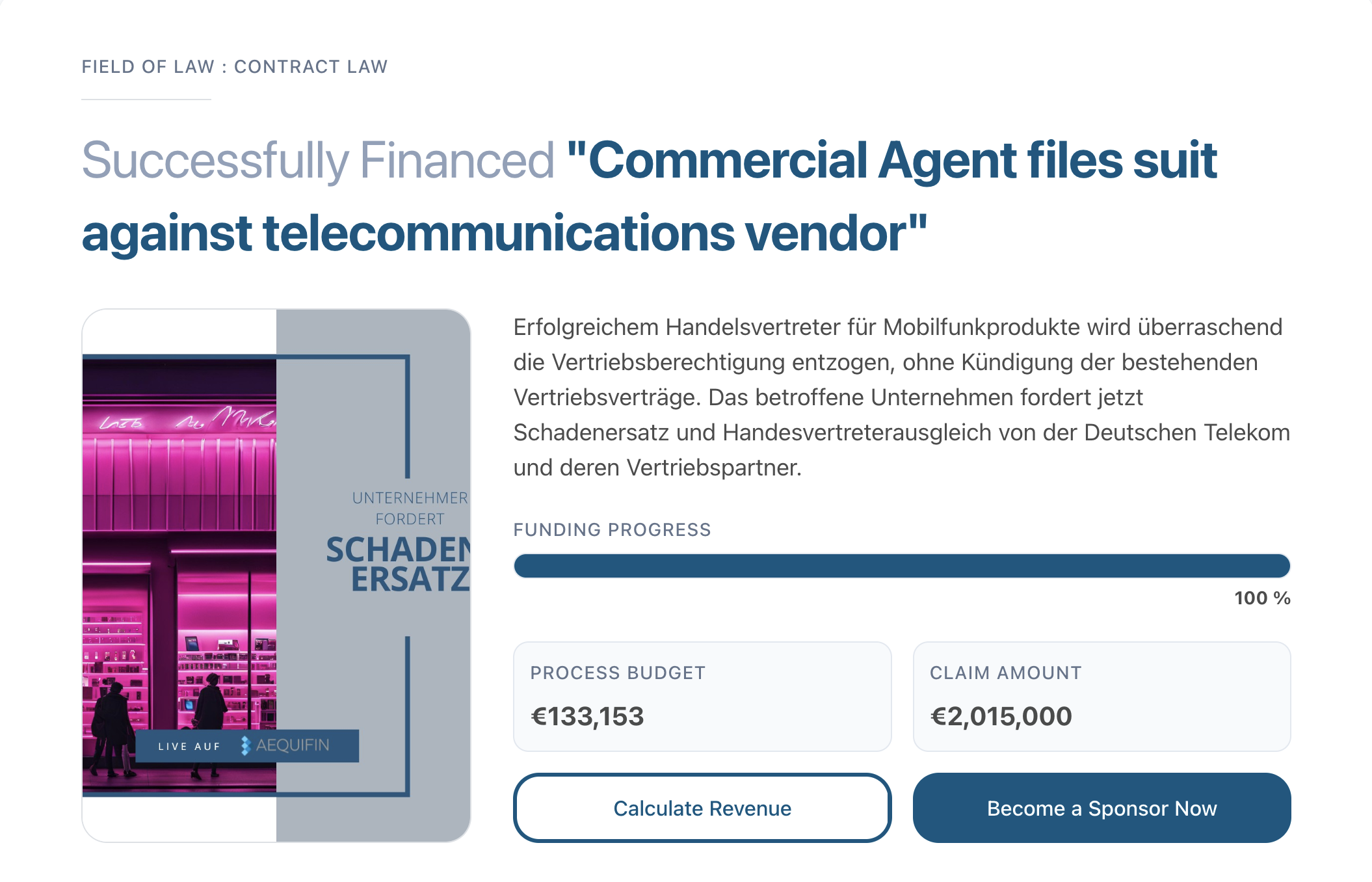
A unified template for scalability and user engagement
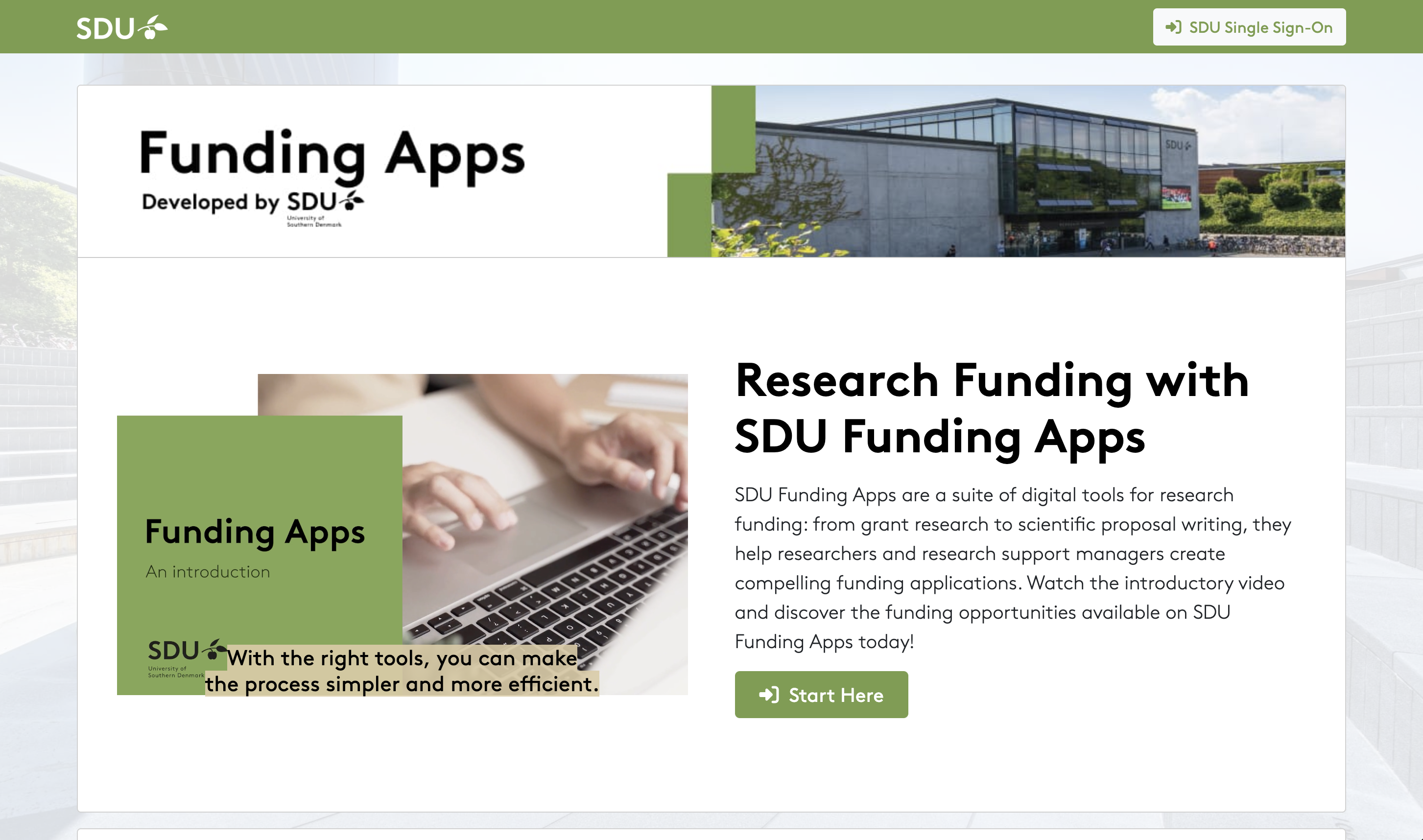
A suite of digital tools for research funding, now adopted by universities across Denmark
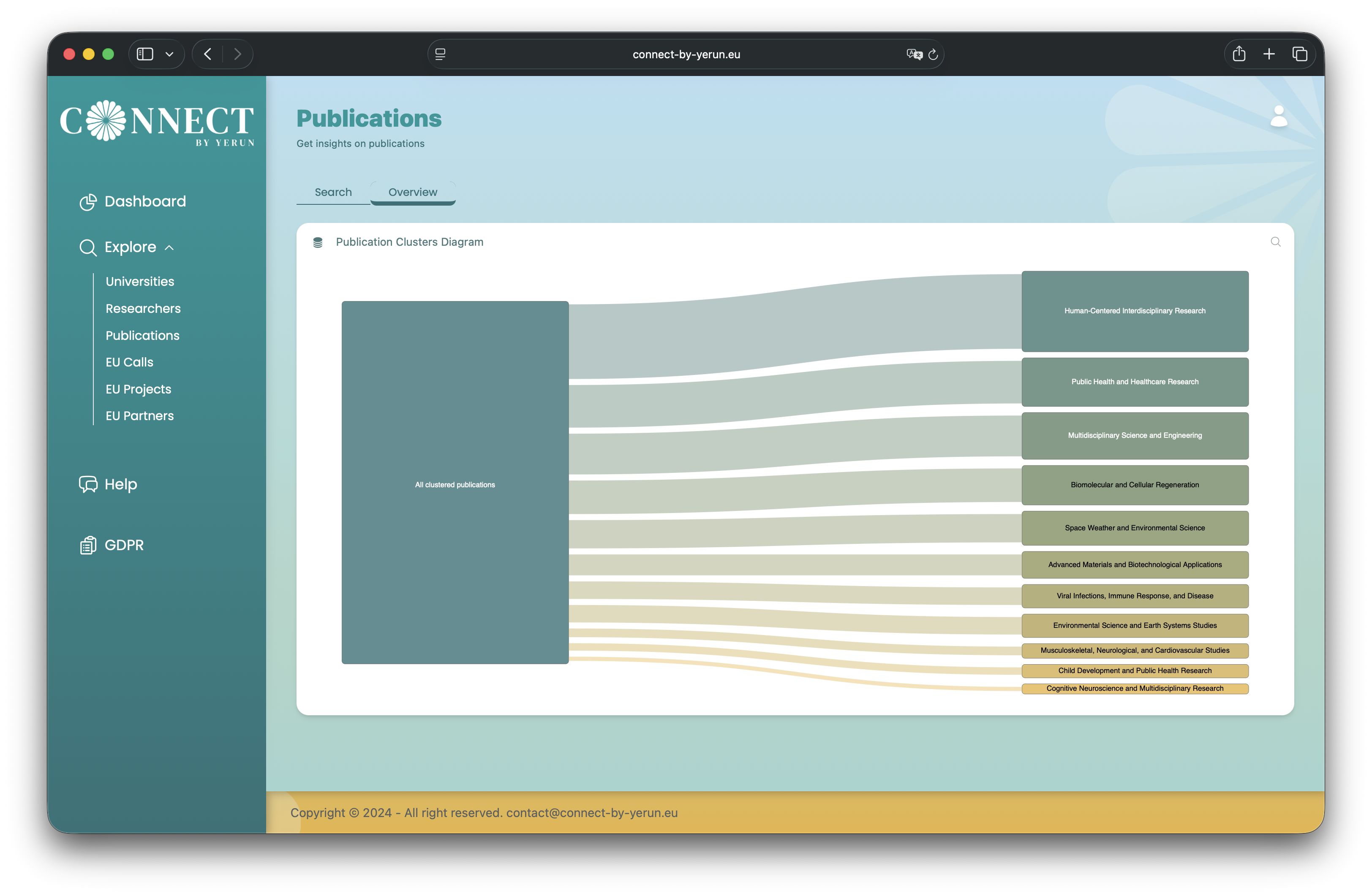
A data-driven web app that recommends collaborations and funding opportunities for YERUN researchers